Your ARShades Gateway
Your Gateway is the branded digital experience where your customers meet your eyewear collection: they discover the brand, find the frame that suits them, and try it on in augmented reality — in a normal browser, with no app to install.
There is one Gateway, and as many ways into it as you need: a link in a newsletter, a QR code in the shop window, another in an advert, another on a trade-fair badge, another printed on the case. Behind those doors you keep as many catalogues as you need — one per campaign, market, audience or event, or one shared by several doors. This is what makes the Gateway different from a single campaign page: every code you print stays good, and the QR code you print today can serve a new collection tomorrow, without being reprinted. See Orchestrating your campaigns.
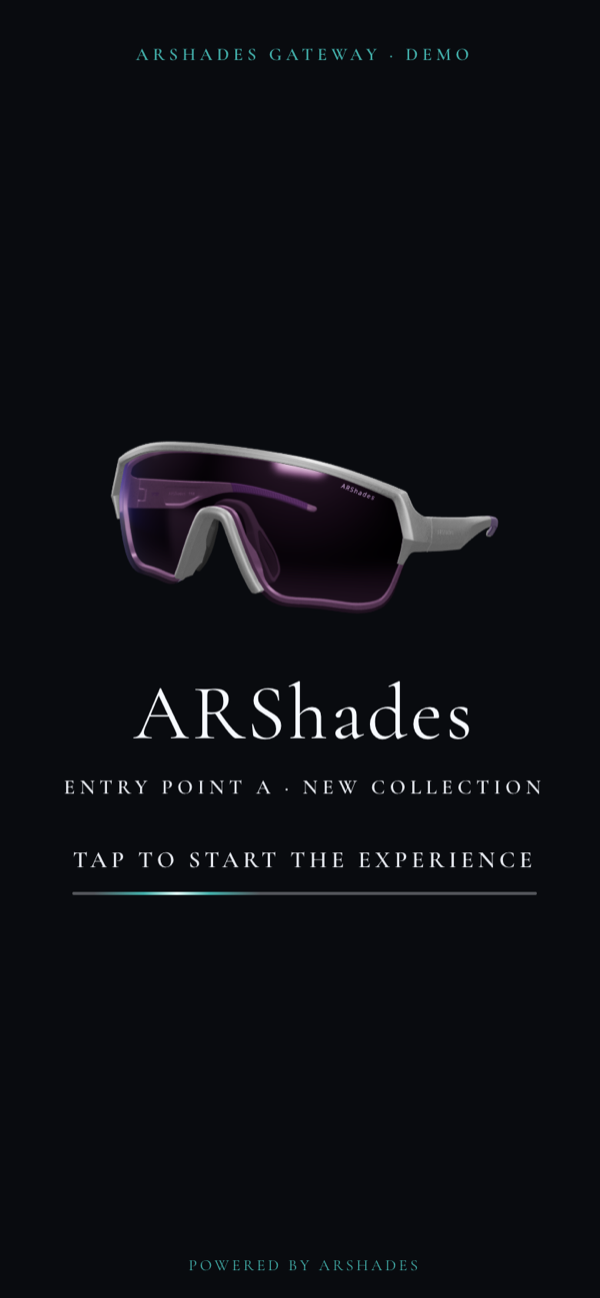
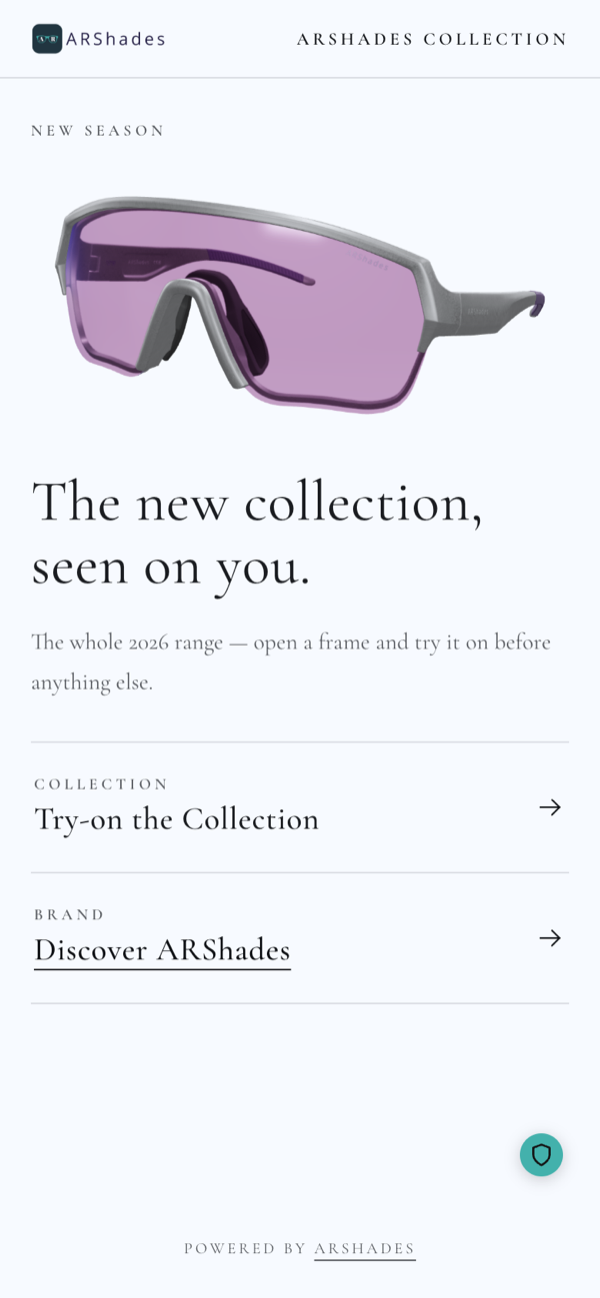
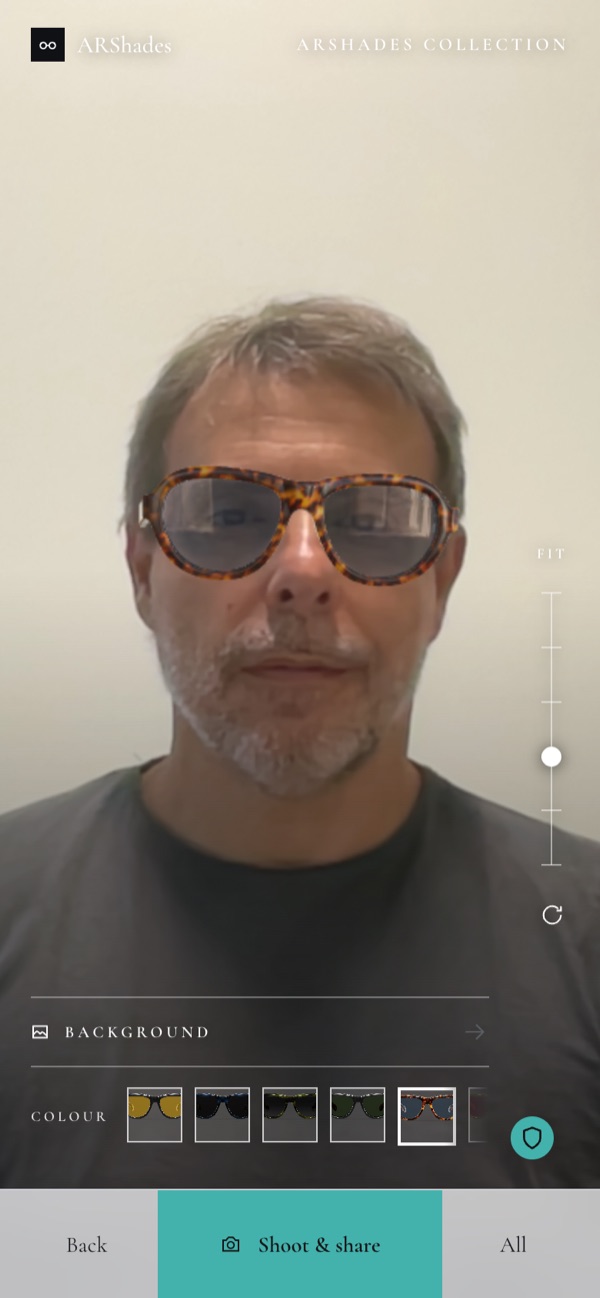
The invitation, the menu, the mirror. The look, the wording and the sections are yours.
What your visitors can do
| Step | What happens |
|---|---|
| Arrive | They scan a QR code or open a link and land straight on the right catalogue. |
| Accept | Your terms and your privacy notice come first; the experience opens after the visitor accepts. |
| Discover | Editorial pages tell the brand or campaign story, with text, images, video and product carousels. |
| Find | A short guided selection narrows the collection down to a handful of relevant frames. |
| Explore | The product page shows colour and size variants and an interactive 3D view of the frame. |
| Try on | The frame appears on their face through the camera; they can take a photo and share it. |
| Locate | They can look for the nearest store that carries the collection (optional module). |
Good to know
- No app and no login. The Gateway opens in the browser the visitor already has.
- Designed for the phone first. The experience is built for portrait use on a smartphone, and also works on desktop. On a phone held sideways, a short notice invites the visitor to rotate back.
- Five languages ready. English, Italian, German, French and Spanish. Further languages can be added on request.
- Your entry points are stable. Links and QR codes stay the same while catalogues, products and content change behind them.
- You look after the catalogue, we look after the experience. Products and catalogues are yours to manage in ARShades Studio; the look and the configuration of the Gateway are set up and updated by ARShades. See Keeping your Gateway up to date.
What a Gateway is not
- It is not an online shop. Cards can carry a price and a markdown where that helps — a clearance, a promotion — but there is no basket and no checkout. It can, as an optional module, link out to your own e-commerce.
- It is not the management console. That is ARShades Studio, where you manage catalogues, products and analytics.
- It is not an unattended in-store station. Screens, totems and smart mirrors are a different product, ARShades Mirror.
The screenshots come from the ARShades demonstration Gateway: our own Gateway, built on the same product you get, with four catalogues behind one and the same Gateway — a new collection, a live event, a season clearance and a retail assortment. The brands, the prices and the stores in it are examples. Your Gateway carries your own identity, so your screens will not look like these; what they do is the same.